VersaScan Quick Start
|
|
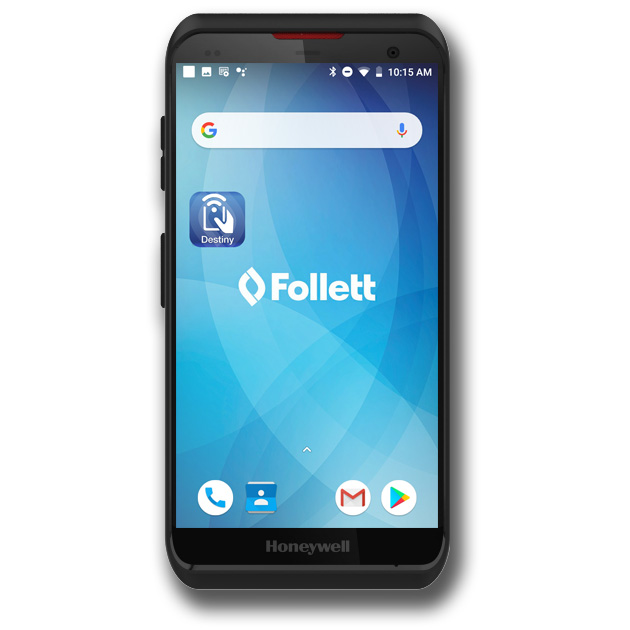
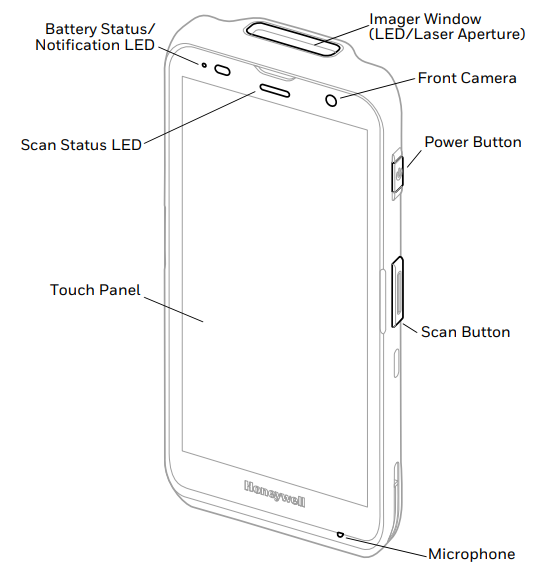
Wherever you are, the Follett Destiny VersaScan gives you real-time synchronization to your district's Library Manager or Resource Manager. Use it to circulate materials; check patron or item status; or start, conduct, view, and finalize inventories. With an intuitive, modern touchscreen design, the VersaScan is as easy to use as a smartphone, reducing the learning curve for your users.
Enable the ScanHandle
You must enable the VersaScan device to use the ScanHandle.
- On the VersaScan’s HOME screen, swipe up.
- Select Settings.
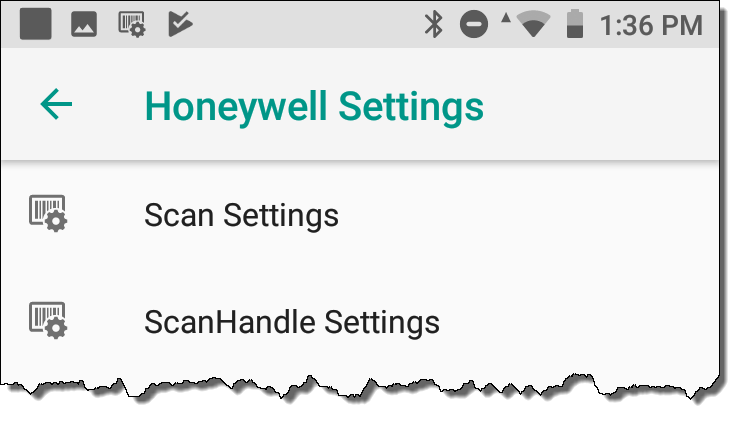
- Tap Honeywell Settings > ScanHandle Settings.
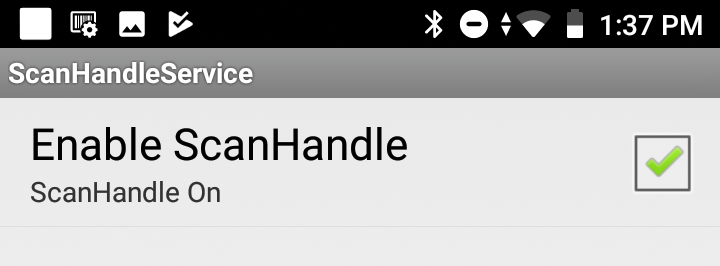
- Tap the Enable ScanHandle checkbox.
Set up the Destiny Back Office App
After the VersaScan is enabled, use the Destiny Back Office app to access Destiny's circulation and administration features away from your desk.