Select resource types
On various pages, you can specify the resource types to include. The Update button appears next to Resource Types on many resource reports and on the following pages:
- Catalog > Export Resources
- Catalog > Update Resources > Individual Update
- Catalog > Update Resources > Batch Update
- Catalog > Update Resources > Global Update
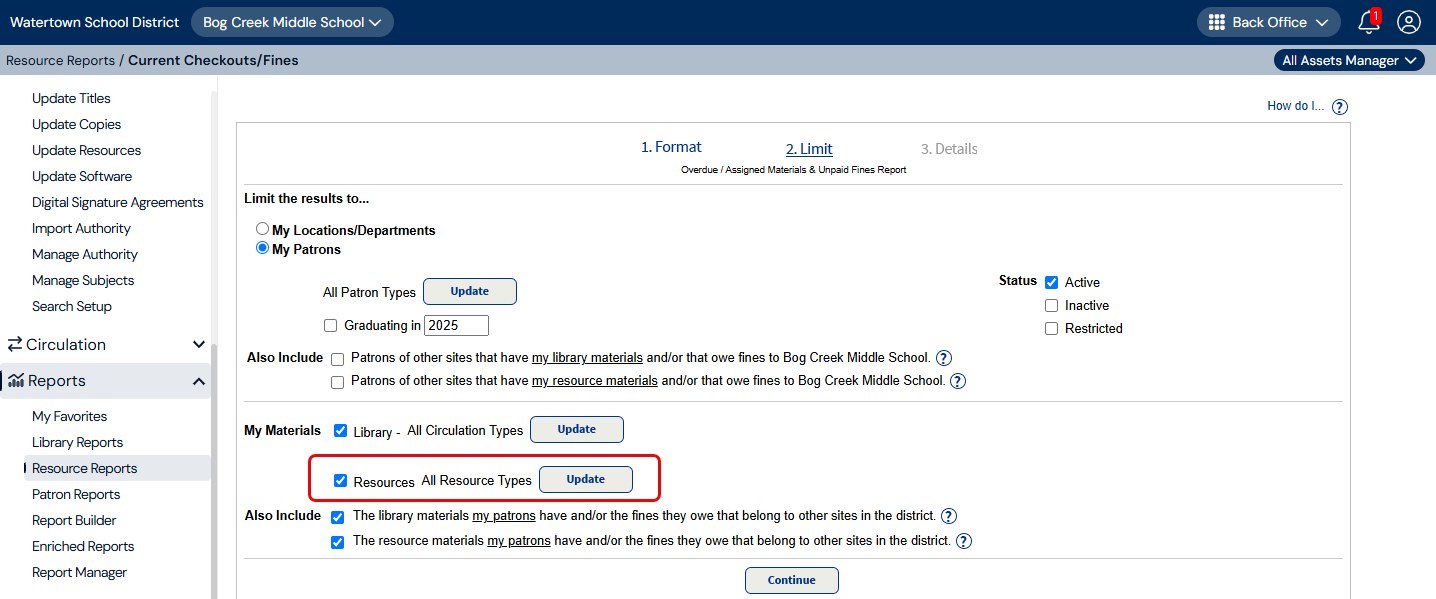
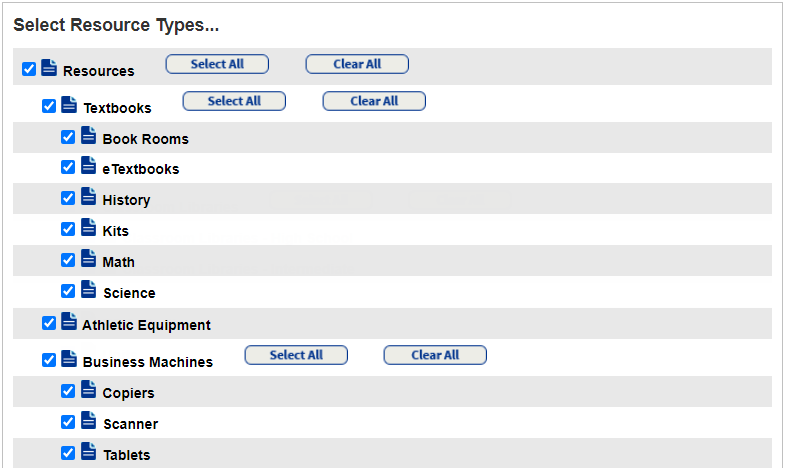
When you click Update, the Select Resource Types page appears. Select the types of resources to appear in a report or task.
|
Note: In Resource Manager, you can only access the resources you have permission to view. |
- To deselect all resources, click Clear All next to Resources.
-
Select the applicable resource type checkboxes.
- To include a resource type and all those nested beneath it, click Select All.
- To exclude a resource and all resources nested beneath it, click Clear All.
Important: When you select a resource type, it does not include the resource types nested beneath it.
- When you are done, click OK at the bottom of the page. You return to the page you came from.